
5 min read
From a few lines of notes to meeting minutes with CHALTTEOK
A walkthrough of turning scattered meeting notes into decisions and owner-by-owner tasks with CHALTTEOK: what you type, what CHALTTEOK asks, and how you refine the result.
- CHALTTEOK
- Meeting minutes
- Using AI
- How to
The question behind this post
How do you build a prompt that turns meeting notes into decisions and tasks with owners?
Our earlier post explained why we built CHALTTEOK. This one shows how it is used, through a task almost everyone has done: turning notes scribbled during a meeting into minutes the team can act on.
Start with one line, the way you talk
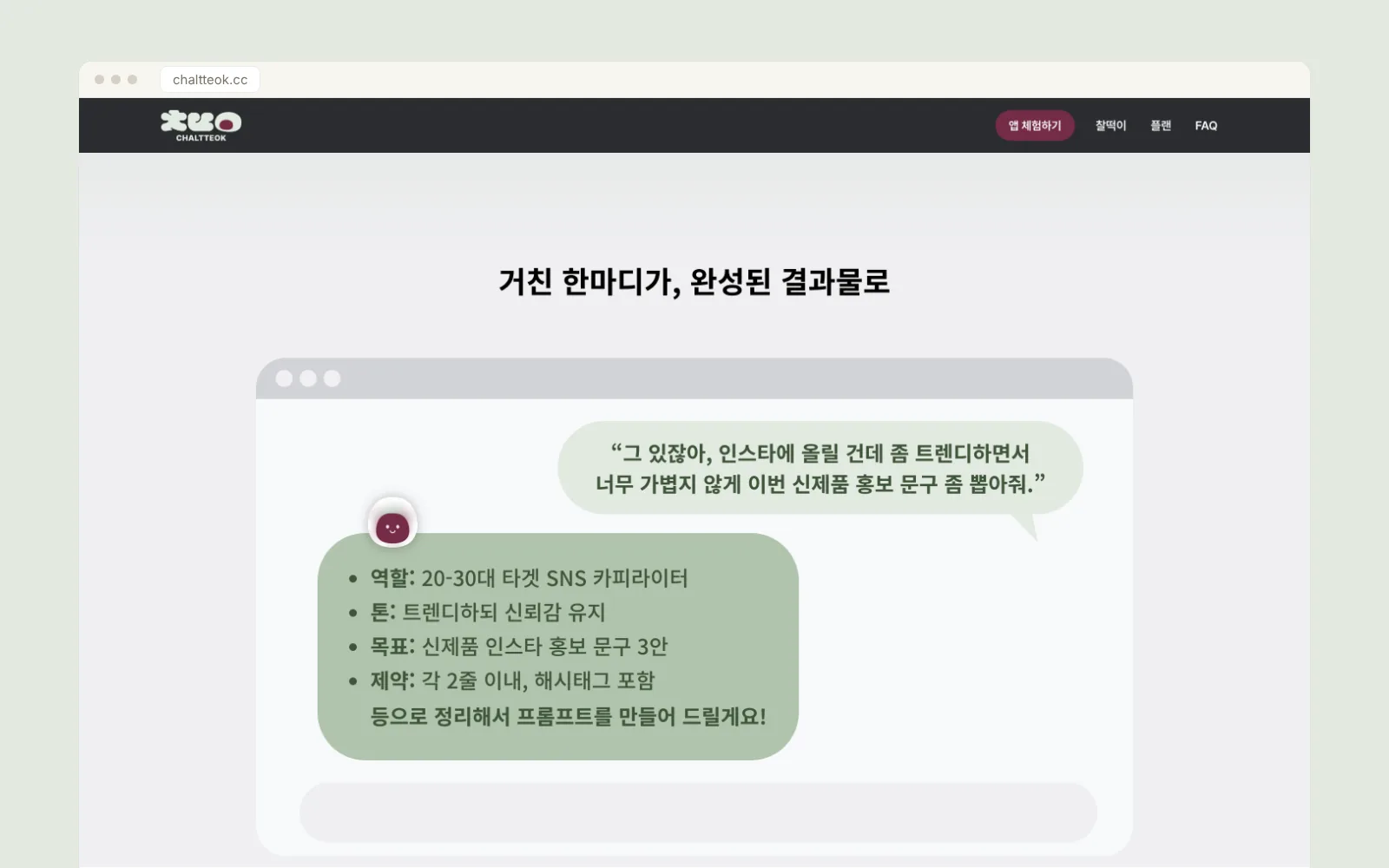
On CHALTTEOK's create screen, this is enough:
Organize these meeting notes into decisions and tasks by ownerPaste the notes or attach them as a file. You do not need a finished template. CHALTTEOK asks a follow-up question only when something that would change the result is missing.
What CHALTTEOK asks first
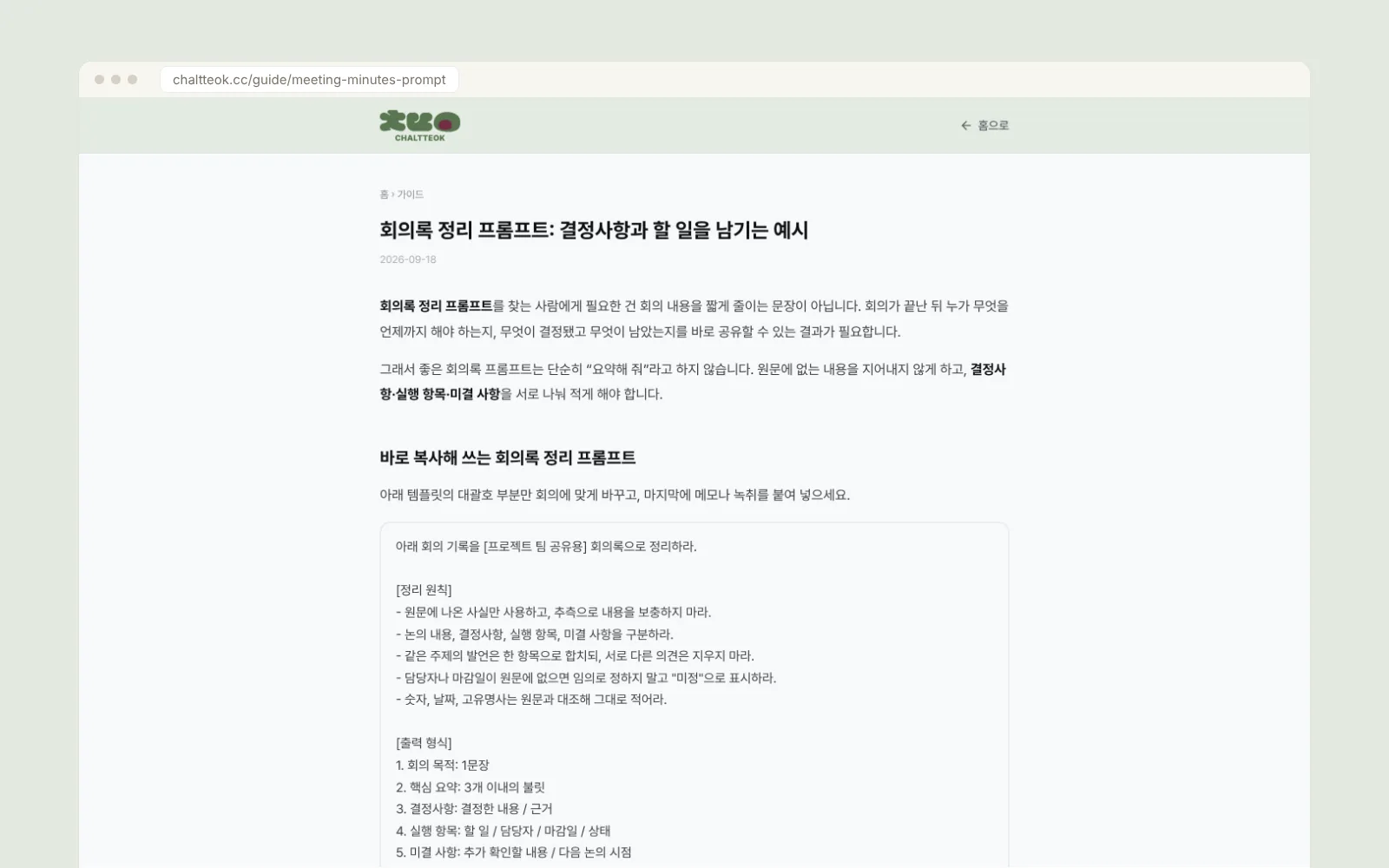
Few conditions really change meeting minutes. The CHALTTEOK guide lists five.
- Who will read it: the team itself, or someone who was not in the meeting
- The purpose of the meeting: generating ideas, making a decision, or checking progress
- The boundary of facts: nothing added that is not in the notes
- The fields for tasks: what, who, by when, and status
- The output shape: bullets for decisions, a table for tasks, or whatever fits where it will be used
Each question comes with suggested answers, so you can simply pick one. If you skip a question, CHALTTEOK fills in a guess and marks it as an assumption in the prompt. If the result goes wrong later, that line is the first place to look.
Blanks stay blank
The biggest risk in meeting minutes is an AI filling in owners and deadlines that sound plausible. It looks tidy and causes real problems at work. So the prompt CHALTTEOK builds tells the model to write “TBD” for any owner or deadline the notes do not mention.
If the notes say the owner of a new copy draft has not been decided, the task table keeps the owner and deadline as “TBD” and the open items list “assign a draft owner”.
Good minutes are less about polished sentences and more about keeping decisions and tasks apart, and showing what is missing as missing.
Run it where you made it, and refine by picking
Once the prompt is ready you can edit it or run it right there, without copying it into another window. You can also run it in another AI such as ChatGPT, Claude, or Gemini.
If the result falls short, you do not have to describe why in a new sentence. Pick a reason such as “too long”, “too generic”, or “missing something important”. CHALTTEOK reworks the prompt in that direction, and you can undo it if you do not like the change.
Shorter every meeting after
Save the finished prompt in your library and bring it back for the next meeting. Saved tone rules and work context carry over to later requests, so you only describe what changed this time instead of repeating the same conditions.
You can try CHALTTEOK for free at chaltteok.cc. Start with the one line of notes you already have.